
安装
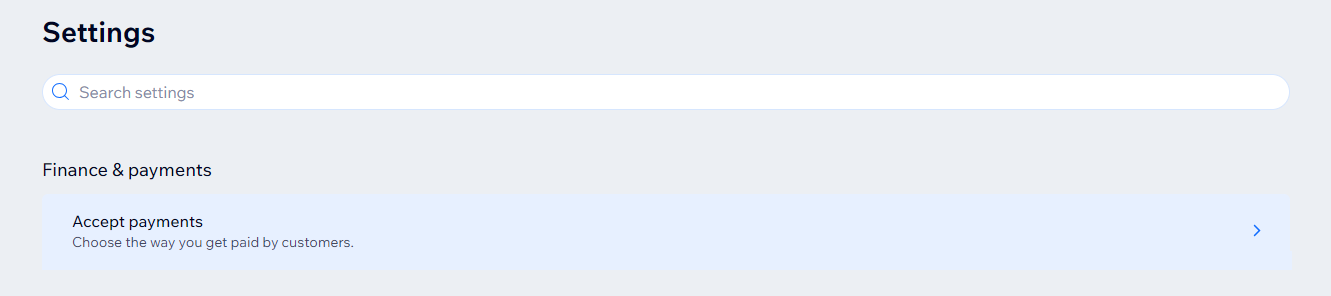
- 登陆WIX店铺后台,访问【Settings】-【Accept payments】-【See More Payment Options】-【Third-Party Credit/Debit Card Providers】,搜索:oceanpayment,点击启用。

配置信息
- 填写Oceanpayment提供的配置信息,Terminal、SecureCode;
Enable sandbox mode不需要勾选。

支付方式
- 勾选需要启用的支付方式,没有申请的支付不需要勾选。
- 支持的支付方式:Credit/Debit Cards AliPay UnionPay Faster Payment System WeChat Pay

卸载
- 找到Oceanpayment支付方式,点击停用。
